
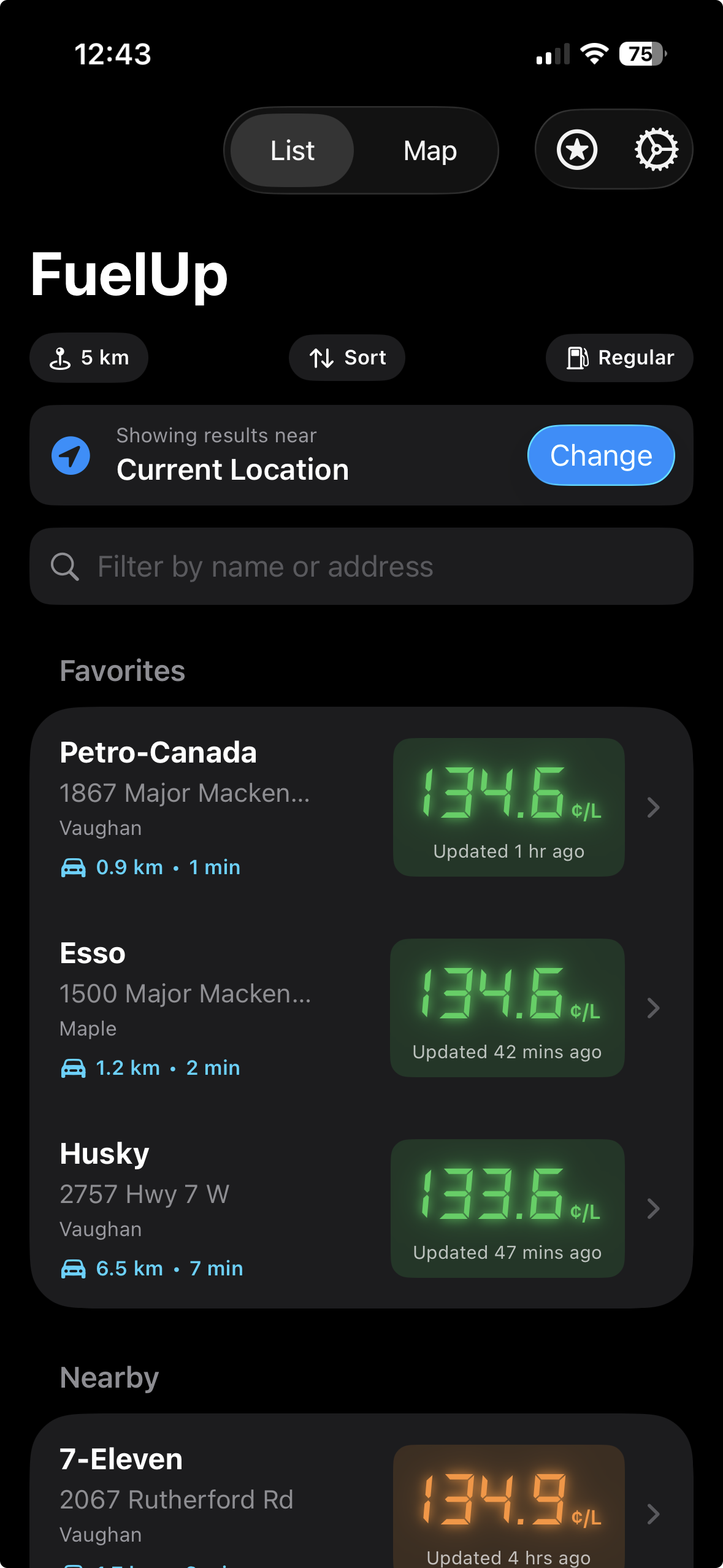
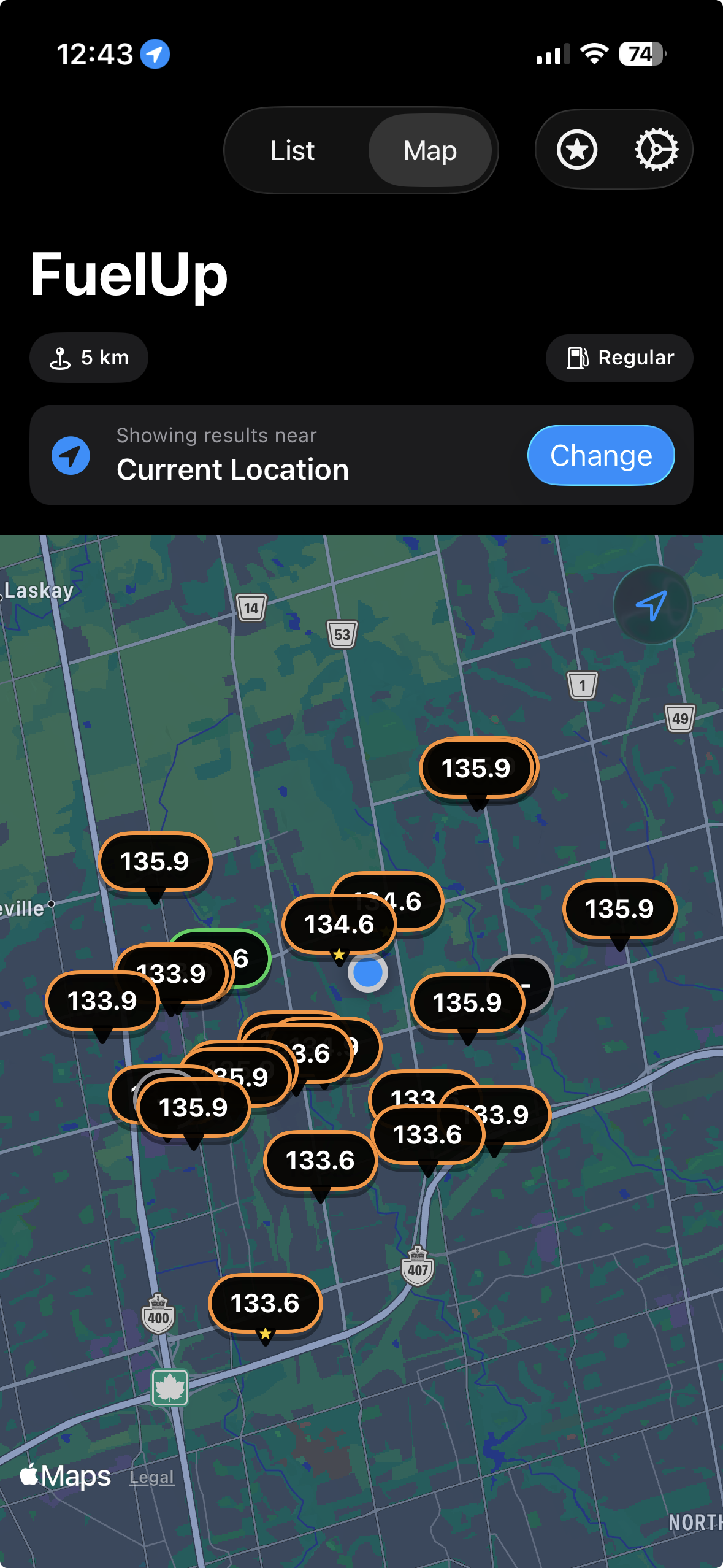
FuelUp covers five surfaces. The iPhone app, Apple Watch, CarPlay, home screen widgets, and Lock Screen complications. The backend serves 125,000+ stations across multiple countries. The server has 0.5MB of RAM.
That last number gets people's attention. This post is about the decisions that made it work.
Designing for where people actually are
There's a version of FuelUp that only exists on the iPhone. It would have been fine. Most apps stop there.
But if you think about when someone actually needs a gas price app, the iPhone-only version is almost never the right fit. You're in the car, hands on the wheel, looking for somewhere to fill up before the highway. You're not going to dig your phone out of your pocket and open an app. You might glance at your wrist. You might look at the CarPlay screen already in front of you. You might have asked Siri before you left the house.
So FuelUp had to exist in those places too. And building for each of them forced a kind of clarity about the product that you don't get when you're only thinking about a phone screen.
CarPlay is the most instructive example. It isn't an iOS app with a smaller screen. Apple owns the layout entirely. There are a few standard templates. A list view for nearby stations, a map view with pins, a detail view for a specific station. You supply the data and Apple renders it. A driver's eyes should be on the road, and the template system enforces that in a way a custom UI couldn't.
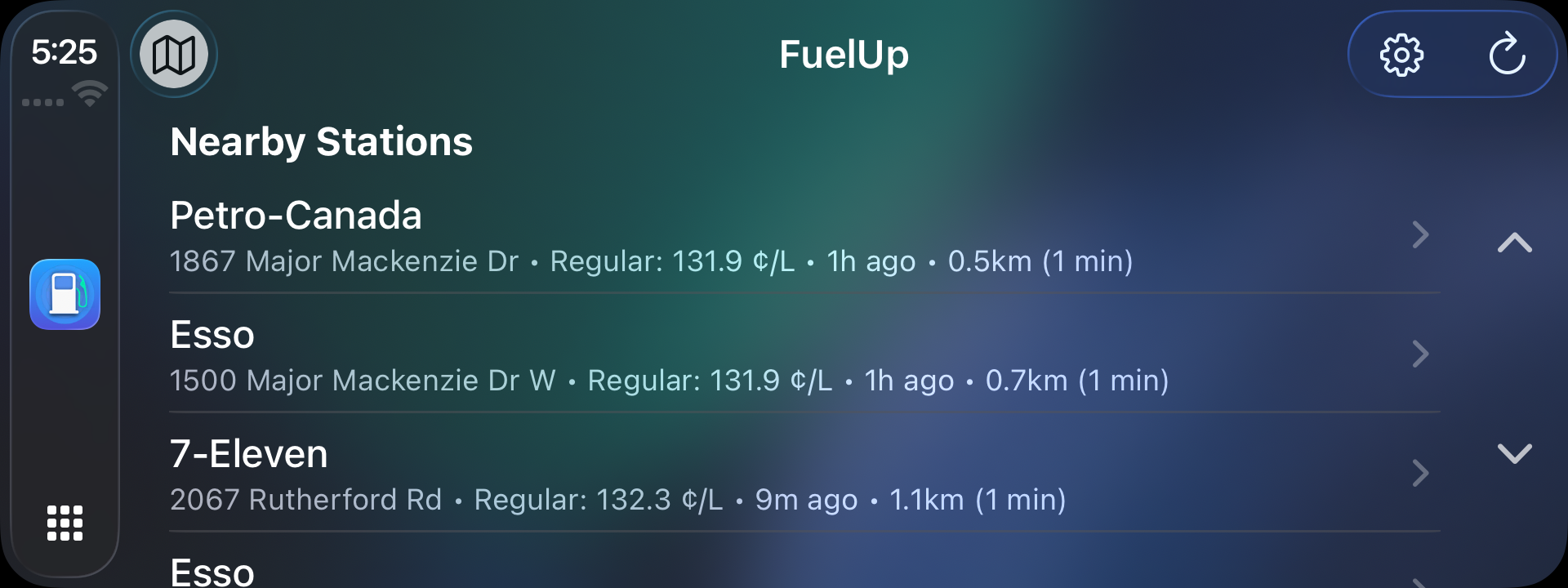
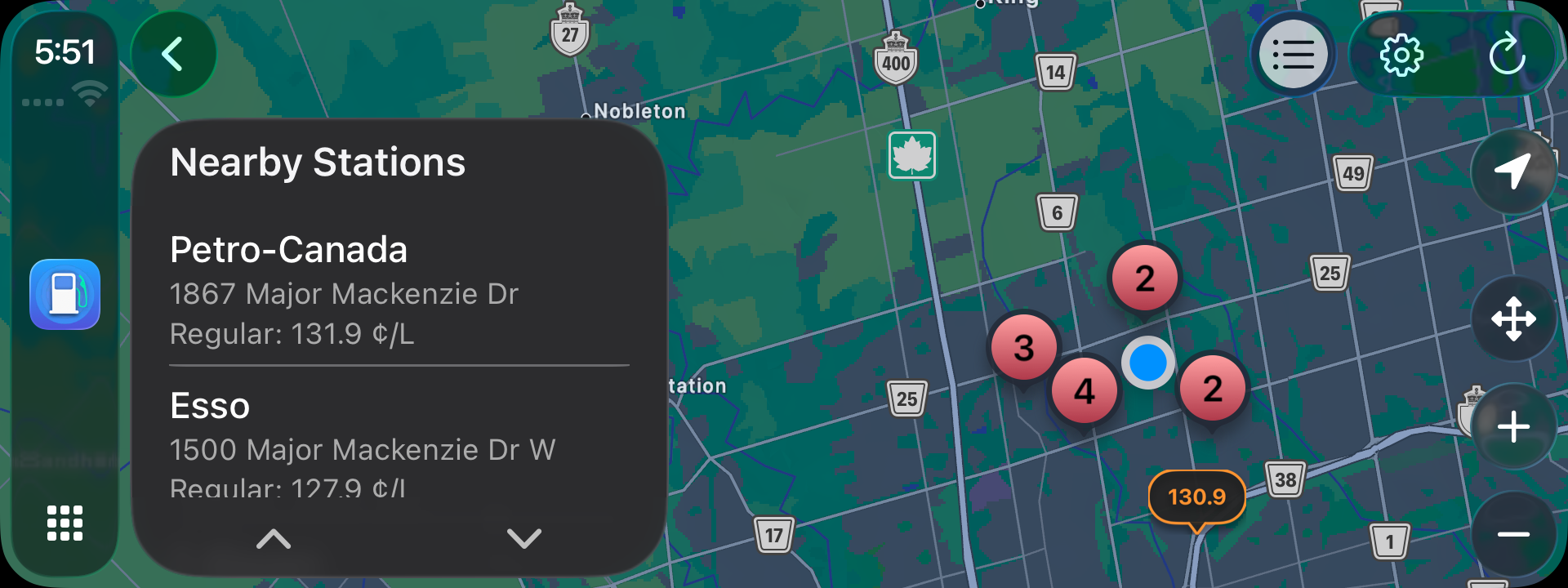
The interesting design work happens inside those constraints. FuelUp color-codes prices in every list. Green for cheap, orange for average, red for expensive. At a glance, color is faster than reading a number. When you tap a station in CarPlay, you get a detail screen showing the current price and address, plus buttons for Apple Maps, Google Maps, and Waze. Tap one and the chosen navigation app opens with the station's coordinates already loaded as the destination. You go from "I want to go there" to actively navigating in one tap, without ever typing an address.
Getting the country right without a network call
Every price lookup requires knowing which country the user is in, because fuel grades and pricing structures differ significantly between regions. On a phone with good signal this is easy. On an Apple Watch, with its slower modem and frequent network dropouts, it's a reliability problem.
The Watch handles country detection in three passes, each one slower than the last. First, it checks an offline geocoder backed by a bundled dataset. No network involved, instant result. If the user's coordinates aren't in that dataset, it checks a cached result from the last successful lookup. Move less than 10 kilometers and the cached country code is still valid. Both of those fail? Then and only then does it make a network call to CLGeocoder. And if that network call also fails, it reads the country from the device's locale settings as a last resort.
Most users never hit anything past the first pass. The ones on slow Watch connections never notice anything went wrong.
Races that users would never see coming
Here's a scenario that happens constantly in practice. A user opens the app, location comes in, a fetch starts. While it's in flight, they move the map, which triggers a new fetch. The first response arrives last.
The user sees stale data for where they were a moment ago. It looks like a bug. It is a bug, just one that's invisible during development because network requests on a simulator are instantaneous.
FuelUp handles this with a simple pattern. Every time a new fetch starts, it generates a UUID and stores it. When a fetch finishes, it checks whether its UUID still matches the stored one. If something newer started while it was running, the result is silently dropped.
let refreshID = UUID()
self.currentRefreshID = refreshID

let result = await fetchStations(for: location)

guard currentRefreshID == refreshID else { return }

self.stations = result
Two lines of guard logic. Without them, the app would show wrong data in a way that's hard to reproduce and impossible to explain to a user. With them, the most recent request always wins, and older results disappear cleanly.
Widgets have one second to get it right
A widget extension is a separate process from the app. It can't call into the app's view models or reuse any of the networking code that lives there. When the system decides to refresh a widget, it wakes the extension, expects it to produce a timeline entry quickly, and suspends it again. The whole thing is closer to a serverless function than an app.
FuelUp built a dedicated WidgetNetworkService, a lightweight HTTP client with no Combine, no published properties, no shared state. It makes one request, decodes the JSON, and returns. The widget gets what it needs without initializing anything it doesn't.
The Watch takes a different approach to the same pressure. It fetches favorites one station at a time rather than in parallel, with a small gap between each request to keep the W3 chip's scheduler happy. If a station was already fetched in the last 60 seconds, it's skipped entirely. If the app was in the background for less than 15 minutes, it shows the cached data immediately and skips the network entirely. Most commutes are shorter than 15 minutes. This one threshold eliminates the majority of Watch startup network calls.
10,000 simultaneous users on 0.5MB of RAM
The backend is a Next.js API server on PostgreSQL with 125,000+ stations. The server has, genuinely, about 0.5MB of usable RAM for the application runtime.
The only way this works is that most requests never reach the database. Gas prices don't change by the second. They change a few times a day at most. So the API response for a given coordinate is cached at the CDN edge. The database query runs once for a popular area, and every subsequent request for that area hits the cache. The database server is essentially idle for the vast majority of traffic.
Country lookups follow the same logic. Looking up which country a coordinate belongs to is work the server doesn't need to repeat for coordinates it's already seen. The single-station endpoint, used by the Watch to refresh a favorite's current price, caches independently from the area endpoint, so a Watch asking for one station's price doesn't accidentally pull a full batch response.
The x-app-version header each client sends lets the server evolve its response shapes over time. Old app versions keep getting the format they know how to parse. New ones get the improved version. No forced upgrades, no broken clients.
A security layer the user never sees
Before any request reaches the API, the iOS app goes through Apple's App Attest framework. On first launch, it generates a hardware-bound attestation key and sends a signed challenge hash to Apple's servers, receiving back a certificate that proves the request is coming from a genuine, unmodified copy of FuelUp on real Apple hardware. After that, every request is signed with HMAC-SHA256. The signature is computed over a JSON payload with sorted keys, because JSON serialization order isn't guaranteed across platforms. Sorting ensures the server and client always compute the same signature for the same payload. A mismatch means the request is rejected before it touches the database.
If Apple invalidates the attestation key, the app generates a new one transparently on the next request. The whole system is invisible to the user and exists entirely to protect the data.
What it looks like when it all holds together
When you open FuelUp, the nearby stations are usually already loaded from a background refresh. The UUID guard means that refresh won't overwrite anything you explicitly searched for. If you're on CarPlay, the same data is feeding into the list template. If you glance at your Watch, it's showing data from its own cache, refreshed on its own schedule.
None of this coordination is visible. That's the point.
Each surface has its own failure modes. The Watch can lose its connection mid-fetch. A widget can be woken up with no location. A CarPlay session can start before the main app has finished loading. Each one was a separate engineering problem with a separate solution, and the solutions had to stay consistent with each other.
Getting it right means users never have to know any of this happened.